01 · SIMPLE SETUP
Scan once
A phone establishes the viewer’s area—no typing on the TV.
 ODI TV
VOTE
ODI TV
VOTE
POLITICAL ADVERTISING ON ODI TV
ODI TV VOTE shows viewers the congressional races and candidates relevant to their area. Your campaign can add approved images, priorities, official links, and video to the candidate profile they choose.
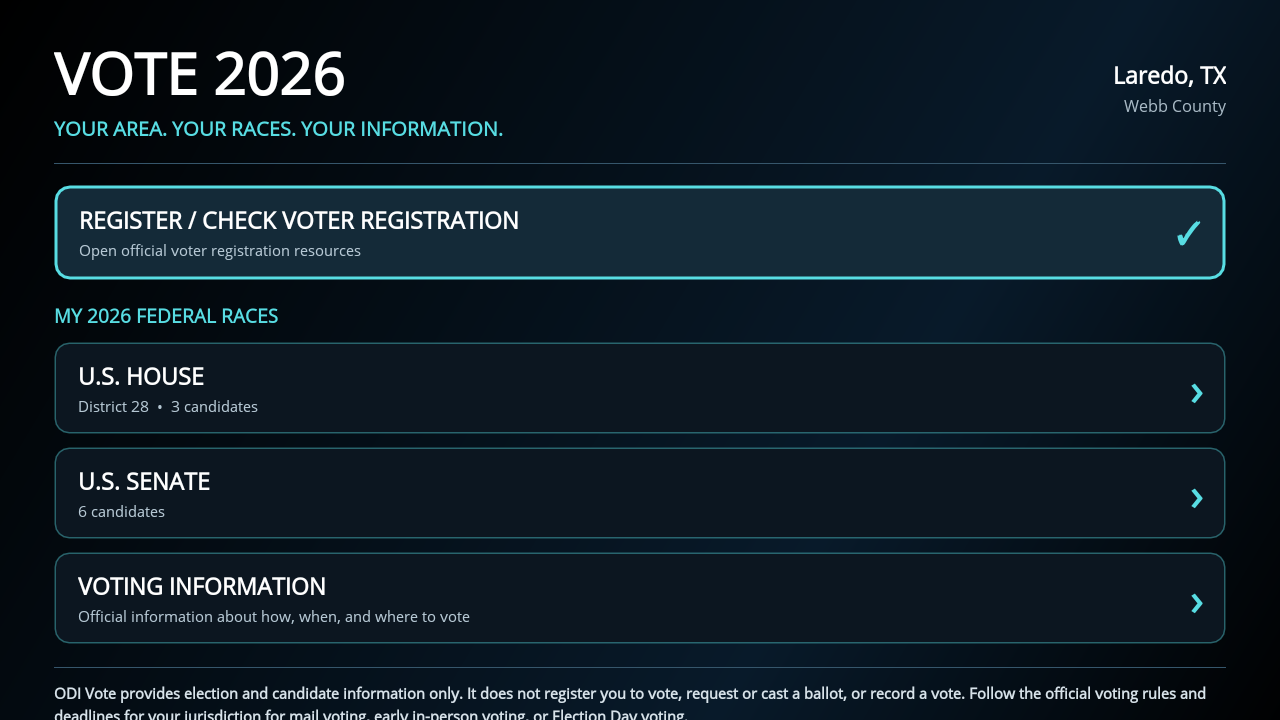
A phone establishes the viewer’s area—no typing on the TV.
House and Senate contests organized for the viewer’s location.
Biography, priorities, official links, imagery, and video.
Registration, voting information, campaign, and FEC links.
WATCH ODI TV VOTE IN ACTION
Take a guided look at how ODI TV connects viewers with the races, candidates, campaign information, and official voter resources relevant to their area.
One-time voter setup See how viewers establish their area and receive targeted information.
Relevant race discovery Follow the path from the VOTE hub to House and Senate races.
The candidate experience See where campaign profiles, priorities, official links, and media appear.
THE VIEWER JOURNEY
No typing an address with a remote. Viewers scan once with their phone, then ODI TV remembers the area for future visits.
 SELECTED FROM THE ODI TV NAVIGATION
The voter opens the dedicated section from ODI TV’s bottom navigation.
Voter enters their info once and receives targeted information.
The VOTE 2026 hub shows the viewer’s county, U.S. House district, Senate race, and voter resources.
Race cards lead to candidate profiles, official links, stated priorities, and approved campaign video.
REAL PRODUCT. REAL CONTEXT.
These are actual ODI TV VOTE screens—not a conceptual ad mockup.
Personalized election hub
After one location setup, ODI TV organizes federal races, voter-registration tools, and voting information around the viewer’s county and district.
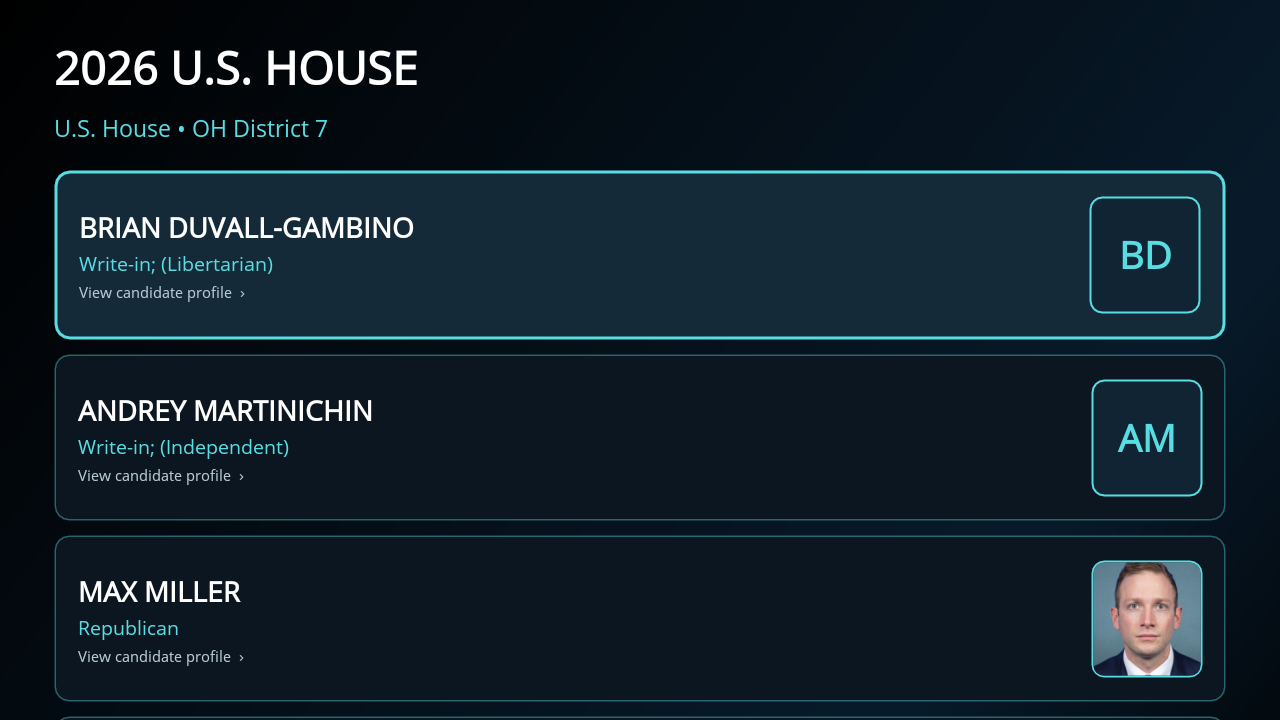
Race view
Viewers choose a race and see its candidates with party, status, and a direct path to each profile.
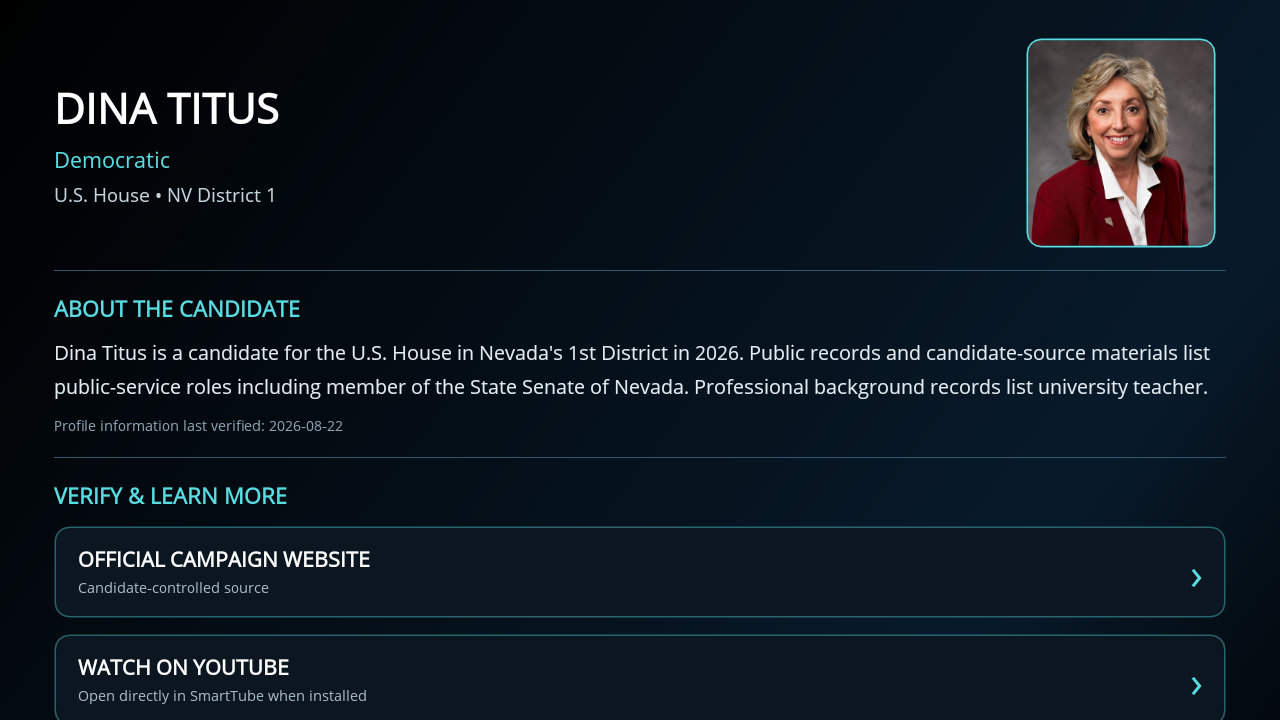
Candidate profile
Profiles can connect viewers to the official campaign, issue information, FEC records, and approved video in SmartTube.
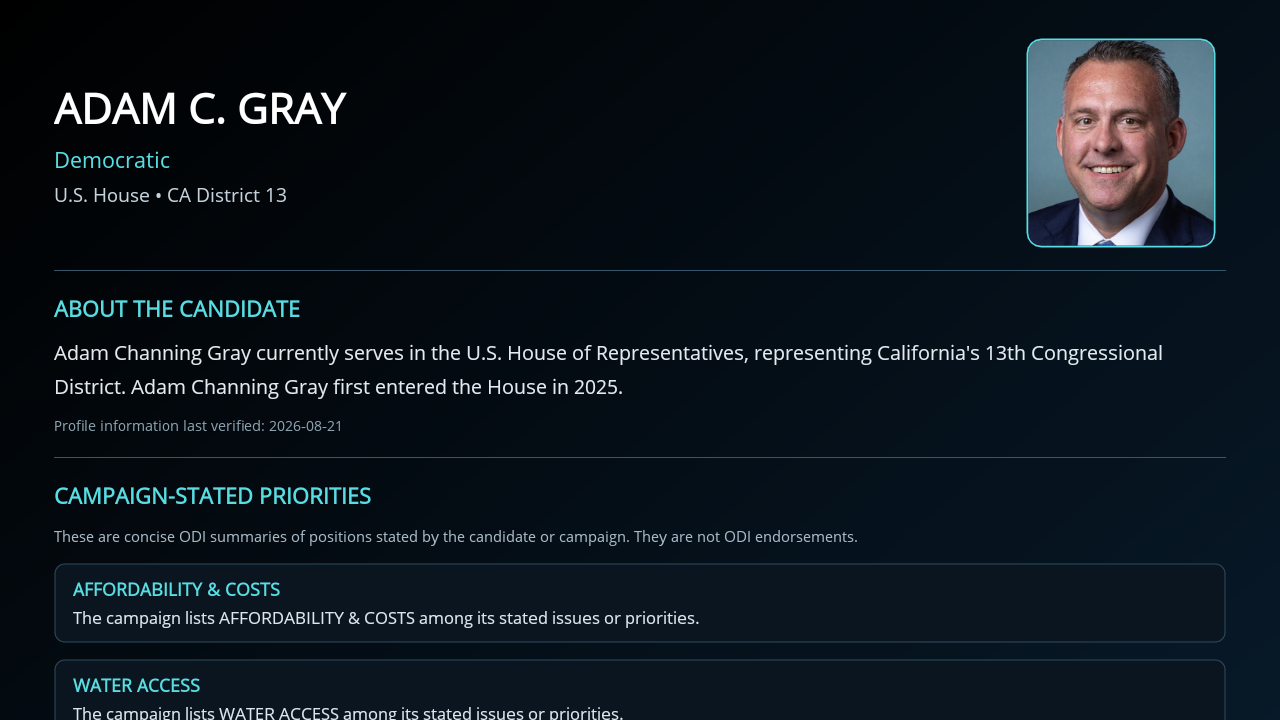
Campaign-stated priorities
Campaign-supplied priorities are labeled and presented as information—not as an ODI TV endorsement.
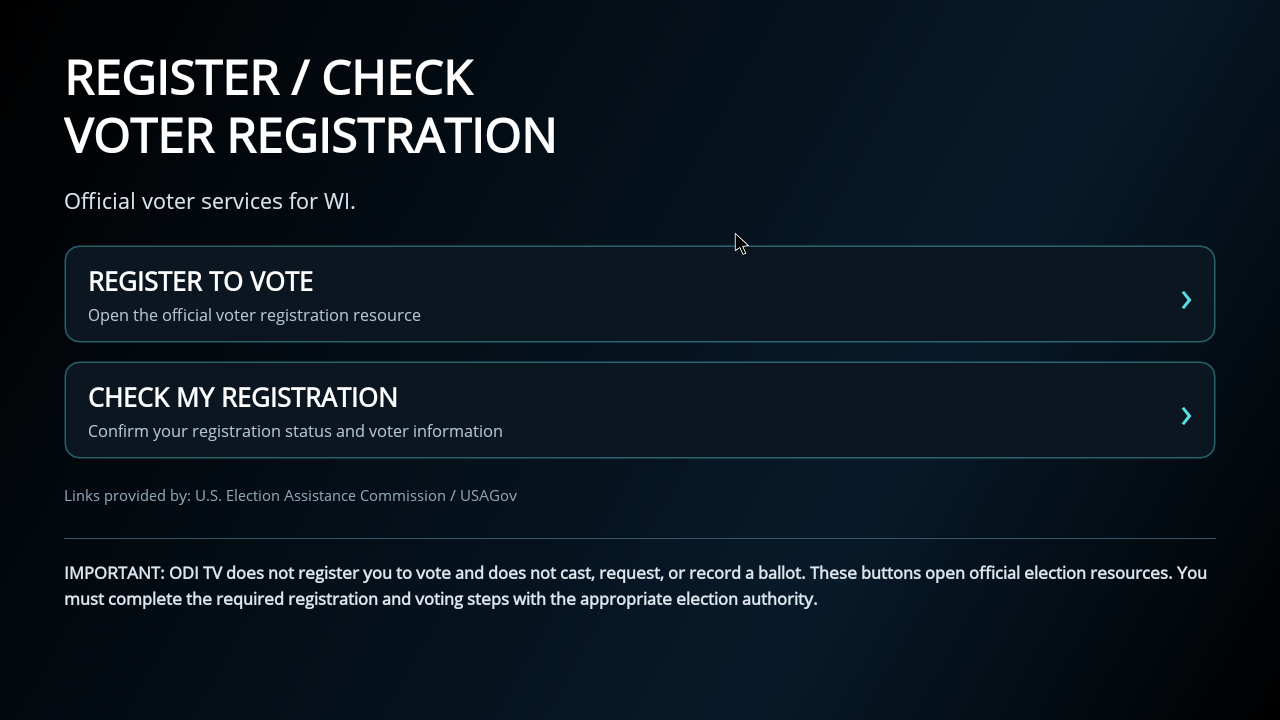
Official voter resources
ODI TV links viewers to official services to register, check registration, and find jurisdiction-specific voting information.
THE CAMPAIGN OPPORTUNITY
The voter has already opened VOTE, selected a relevant race, and chosen a candidate. Your approved campaign material appears in that high-intent profile experience.
Campaign video is viewer-selected and opens in SmartTube with pause, skip, replay, and navigation controls. It does not automatically play.
BUILT FOR VOTER TRUST
RIGHT VOTER · RIGHT RACE
Location setup connects viewers to the federal races that serve their address.
FAIR FOUNDATION
All ballot-listed candidates appear in the same foundational race and profile structure.
CLEARLY IDENTIFIED
Campaign-stated priorities and paid enhancements are identified as campaign information, not endorsements.
AUTHORITATIVE NEXT STEPS
Registration, voting, campaign, and FEC links connect viewers to authoritative next steps.
THE ODI TV VOTE CAMPAIGN PACKAGE
A complete candidate presence inside the district-specific experience voters are already using to learn about their race.
WHAT YOUR CAMPAIGN GETS
One complete candidate presence inside the voter’s district-specific race experience.
Payment will be completed through Zoho Checkout Questions? sales@oditv.com
Ready to discuss your race? sales@oditv.com
CAMPAIGN FAQ
Inside the relevant candidate profile, after the viewer has selected their race and chosen the candidate. Approved video is placed beneath the profile content.
No. The viewer chooses the video, which opens in SmartTube with familiar pause, skip, replay, and navigation controls.
A one-time phone scan establishes the viewer’s area. ODI TV then presents the county, congressional district, federal races, and voter resources relevant to that location.
No. ODI TV presents all ballot-listed candidates in the same basic format. Campaign-stated content and paid enhancements do not represent an ODI TV endorsement.
Your team supplies approved video, imagery, profile copy, stated priorities, and official links. ODI TV reviews and publishes the final experience.